It happens. You reach for your debit card and it’s not where you thought it was.
Maybe it’s in another bag. Maybe it’s at home. Maybe it fell between the seats in your car. Or maybe you’re not sure where it is at all.
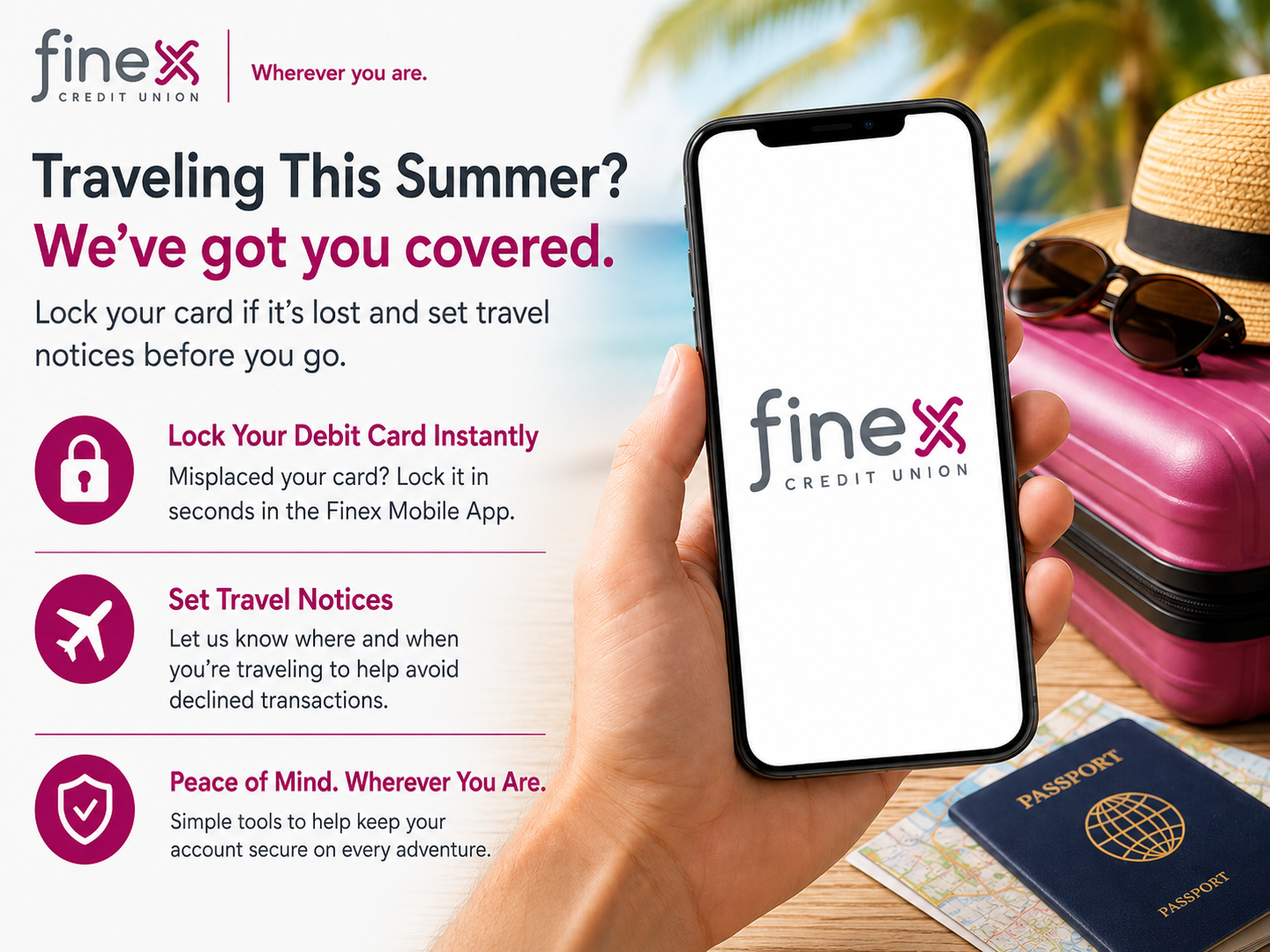
The good news? If you’re a Finex Credit Union member, you don’t have to wait to take action. You can lock your debit card right from the Finex Mobile App or Online Banking.
First, Lock Your Card
If your Finex debit card is missing, locking it is a smart first step. This helps prevent new purchases from being made with your card while you look for it.
Here’s how to lock your debit card:
- Log in to the Finex Mobile App or Online Banking.
- Select the account connected to your debit card.
- Choose Card Management.
- Toggle your card off to lock it.
If you find your card and everything looks good, you can return to Card Management and toggle it back on.
When Should You Lock Your Card?
Lock your card right away if:
- You misplaced it and are still looking for it
- You left it at a restaurant, store, hotel, or event
- Your wallet or purse is missing
- You notice a transaction you don’t recognize
- You think your card information may have been exposed
Locking your card is especially helpful when you’re not sure whether the card is truly lost or just temporarily misplaced.
Review Your Recent Transactions
After locking your card, take a minute to check your recent account activity.
Look for purchases, ATM withdrawals, online transactions, or pending charges that you do not recognize. If something seems suspicious, contact Finex as soon as possible so we can help you with the next steps.
Need a Replacement Card?
If you find your card, you may be able to unlock it and continue using it.
If your card was stolen, permanently lost, or used fraudulently, keep it locked and contact Finex Credit Union to request a replacement debit card. You should also report any questionable charges as soon as you notice them.
Traveling Soon? Set a Travel Notice Before You Leave
Card controls are not only helpful when your card is missing. They can also help when you’re planning a trip.
Before traveling, set a travel notice in Online Banking or the Finex Mobile App. This lets us know where and when you expect to use your card.
When setting your travel notice, include:
- Your destination
- Your departure and return dates
- Any additional locations where you may use your card
- The card you plan to use while traveling
This simple step can help make your card experience smoother while you’re away.
A Few More Card Safety Tips
Before you head out or continue your day, keep these quick tips in mind:
- Keep your card in a secure place when you are not using it.
- Do not share your PIN with anyone.
- Cover the keypad when entering your PIN.
- Turn on account alerts so you can monitor activity.
- Use your mobile wallet when available for secure, contactless payments.
- Contact Finex quickly if anything looks suspicious.
Wherever You Are, Card Controls Are There Too
Whether your card is missing at home or you’re getting ready to travel, Finex gives you simple tools to stay in control.
A few quick steps can help keep your card—and your trip—on track. Before you travel, log in to the Finex Mobile App or Online Banking to review Card Management, lock or unlock your debit card, and submit a travel notice. Need help? Give us a call at 860.282.0001 or fill out this contact us form. We’re always happy to assist.


